Free Photoshop alternatives in 2026 that hold up on real work
The free Photoshop alternatives worth using in October 2026: Affinity, Photopea, GIMP, Krita, Inkscape and more, judged on PSD, print, Arabic text and AI.
Published 11 min read
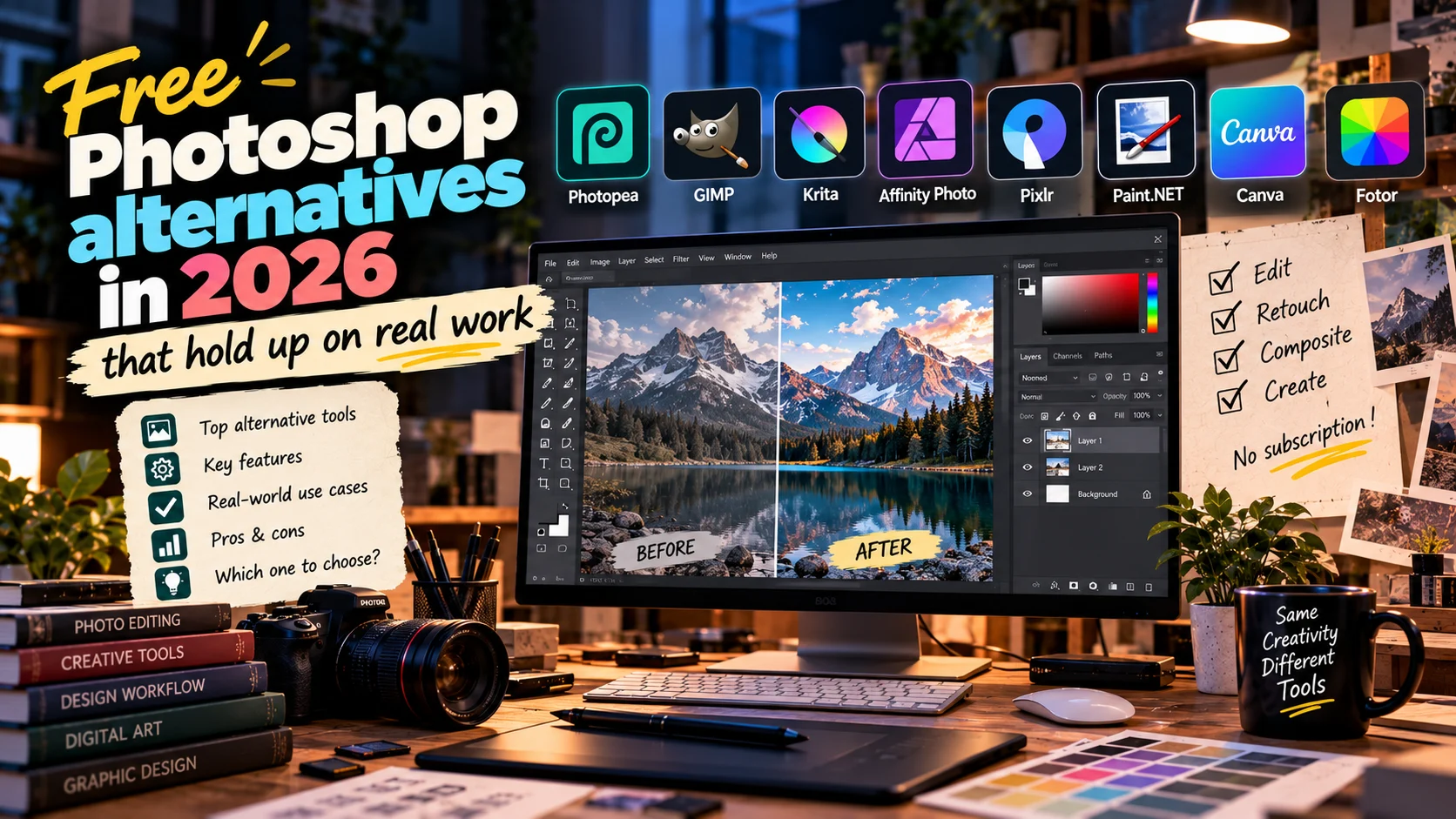
No free app replaces Photoshop at everything. But in October 2026 there is a good free option for almost every kind of job. For professional desktop work, the closest is Affinity, now from Canva: free for individuals, with photo editing, vector and layout in one app, and it opens PSD and AI files. For a quick PSD edit in the browser there is Photopea. GIMP is the open-source standby, Krita is the one for painting, and Inkscape handles vectors.
If you design in Arabic, one more test reorders the whole list: right-to-left text. Some of these apps document it clearly. Others never mention it.
Below, each tool is judged on what its official site and docs say in October 2026, followed by a comparison table, which one to use for which job, and a shorter section on free Illustrator alternatives.
How I judged them
I have been designing since 2010, and most of my brand and packaging work runs through Photoshop and Illustrator. So the useful question is not whether an app looks like Photoshop, but whether it can take a client's file in and send a print file out without surprises. Seven criteria:
- PSD and AI files, opened with layers and saved back. My guide to design file formats covers what each format is for.
- Arabic text: joined letters, right-to-left lines, Latin words and numbers kept in place.
- CMYK and print: printer colours, soft proofing, bleed.
- Generative tools, and whether they need a subscription.
- Offline use.
- Operating systems.
- The catch: ads, an account, limits or learning time.
Apps change fast, so check the official page before client work.
Affinity: Canva's free answer to Photoshop and Illustrator
Affinity now goes by Affinity by Canva. Its official page says it really is free, and a free Canva account is enough to use the Pixel, Vector and Layout tools in one file.
- Files: imports PSD, AI, IDML, PDF, SVG and more.
- Print: the product page lists CMYK, spot colours, preflight and bleed.
- Offline: after download and activation, the FAQ says it can stay offline even for long periods, and files stay on your device.
- Platforms: Windows and macOS, with iPad "coming soon".
- AI: Canva's generative tools inside Affinity, such as Generative Fill, Generative Expand and Generate Image or Vector, are only for paid Canva plans.
The catch for Arabic work: Affinity's official pages in October 2026 say nothing about right-to-left text, and Arabic is not among the listed interface languages. On the Affinity forum, staff said of earlier versions that right-to-left text was not supported. Test an Arabic line before you commit. The in-depth comparison is in Affinity vs Photoshop and Illustrator.
Photopea: Photoshop in a browser tab
Photopea is a free image editor that runs in the browser, and PSD is its main format. The format list on its GitHub page also includes AI, XD, Sketch, XCF, CDR, PDF and Figma files. Its help pages use Photoshop's own vocabulary (Smart Objects, Layer Styles, Layer Comps, Actions), so if you already know Photoshop's tools you will find your way quickly.
- Arabic: version 2.8, back in 2017, added right-to-left writing and correct Arabic rendering, with Latin words and numbers kept left-to-right inside Arabic lines.
- Offline: the help pages say you can load the site, disconnect and keep working, and that your files never leave your computer.
- AI: the home page lists one-click background removal and replacing part of an image by describing it.
- Print: the docs discuss colour spaces and ICC profiles but do not describe a CMYK print workflow.
The catch: ads in the free version, and large files are only as quick as your machine and browser. Excellent for a client's PSD or a quick visual with Arabic text; weaker for a final print file.
GIMP: the open-source standby
GIMP is the oldest and best known of the free options. It is open source and runs offline on Windows, macOS and Linux. The current stable release in October 2026 is 3.2.6, out on 10 September 2026.
- PSD: opens and saves PSD, and the 3.2 series can export large PSB files. Its manual warns that not every blend mode converts exactly between GIMP and Photoshop.
- Arabic: the text tool has an explicit right-to-left option, with Arabic as the manual's example, plus a language setting that can affect rendering.
- Print: CMYK soft proofing, a Total Ink Coverage readout, and PSD export in CMYK once a CMYK soft-proofing profile is set.
- Vector: the 3.2 series added vector layers that stay editable after transforming.
- AI: the official release notes list no generative tools.
The catch: it works differently from Photoshop, so budget learning time before a deadline.
Krita: for painting, and on Android
Krita is a free, open-source painting app rather than a photo editor, and the strongest free choice for characters, book illustration or backgrounds. The official download page offers it for Windows, macOS, Linux and Android (through Google Play), and says iPads and iPhones are not supported.
- Release: 5.3.4 and 6.0.4 came out on 15 September 2026. Krita 6 is early access and not on Android yet.
- PSD: the 5.3 series loads and saves shapes, vector masks and guides in PSD. Saving text to PSD is more limited.
- Arabic: the text tool was rewritten for 5.3. The manual says it implements the bidirectional algorithm, but you must set the paragraph direction to Right To Left yourself in the Text Properties docker.
- CMYK: the colour model is there, though the manual itself recommends working in RGB and converting at the end, or leaving it to the printer.
- AI: none in the official release notes.
Canva: layouts, not pixels
Strictly, Canva is not a Photoshop alternative: it edits layouts and templates, not pixels, layers and masks. It wins on social posts, simple decks and one-pagers, in the browser and in desktop and mobile apps.
- Arabic: supported in several ways, including the interface language, filtering fonts by language, and Translate.
- AI: the Free plan includes a range of AI tools, and paid plans add more usage.
- Print: print PDFs with bleed, and CMYK files on paid plans, though the editor itself works in hex colour codes.
I cover what it does and where it stops in Canva AI.
Free Illustrator alternatives: Inkscape first
If you want to leave Adobe's apps altogether, Illustrator is the next question. Logos, dielines and small print belong in a vector file, not a pixel one.
Inkscape is the best known open-source option, built on SVG and running on Windows, macOS and Linux. The Inkscape wiki says it opens modern AI files and PDFs, with limits: gradient meshes become lattices of small paths, transparency modes do not work, and it cannot save AI files. Its manual mentions right-to-left scripts such as Arabic. CMYK is the weak point: the stable release has limited CMYK palette support, and the new colour system with CMYK sits in the 1.5 series, still in development.
Affinity covers this work too: its Vector tools open AI files and prepare CMYK print output, with the same Arabic caveat.
VectorCraft is new and worth watching; more below.
PhotoCraft and VectorCraft: new, open source, one to watch
ArtCraft builds open-source creative apps from scratch in Rust, published on GitHub. Two matter here:
- PhotoCraft: a Photoshop-style editor with layers, masks, adjustment layers, type and brushes. Its official page calls it "Early alpha", version 0.10.0, and says it opens and saves layered PSD and PSB files and supports CMYK documents with ICC colour management and soft proofing. But its GitHub page is clear that it is not yet a Photoshop replacement for daily professional work, names generative tools as its biggest gap, and says nothing about Arabic.
- VectorCraft: an Illustrator-style vector app. Its site lists it as "In development", version 0.13.1, and its GitHub readme calls it alpha as of 10 October 2026. It imports and exports SVG and PDF and handles PDF-compatible AI files, but says reliable AI exchange is still missing. The pleasant surprise: its list of working features includes bidirectional layout for Hebrew and Arabic.
Both run on Windows, macOS, Linux and the web. My verdict: follow them, try them on personal projects, and keep client files away from them in 2026.
Free Photoshop alternatives compared
| App | Adobe files | Arabic text | CMYK and print | Generative tools | Platforms and offline | The catch |
|---|---|---|---|---|---|---|
| Affinity | Imports PSD, AI, IDML | Not mentioned; test it | CMYK, spot, preflight | With a paid Canva plan | Windows, macOS; offline after activation | Canva account; Arabic unconfirmed |
| Photopea | PSD native; opens AI, XD | Supported since 2017 | No CMYK workflow described | Background removal, replace by prompt | Any browser; keeps working offline | Ads |
| GIMP | Opens and saves PSD, PSB | Right-to-left option | CMYK proofing, CMYK PSD export | None in the official release | Windows, macOS, Linux | Learning time |
| Krita | Opens and saves PSD | Set paragraph direction by hand | CMYK model available | None in the official release | Windows, macOS, Linux, Android | Painting, not photo editing |
| Inkscape | Opens PDF-compatible AI | In the manual | Limited | None in the official release | Windows, macOS, Linux | Weak CMYK |
| Canva | Not built for them | Supported | CMYK on paid plans | A range on the Free plan | Browser, desktop, mobile | Not a pixel editor |
| PhotoCraft, VectorCraft | PSD; SVG and PDF | VectorCraft lists it; PhotoCraft does not | CMYK in PhotoCraft | Not yet | Windows, macOS, Linux, web | Alpha; not for client work |
Arabic text: the test most reviews skip
Most "Photoshop alternatives" lists skip it, yet for Arabic work it matters more than any generative feature. Accepting Arabic characters is not enough. The app has to join the letters correctly, run the line right to left, keep numbers and Latin names in place, and get all of that into a PDF intact.
Even Photoshop needs a setting changed before it writes Arabic properly. The steps are in Arabic text in Photoshop.
Live text may not travel between apps either (Krita says saving text to PSD is limited), so if a client sends a PSD with Arabic headlines, plan time to reset them.
Generative AI in free editors
This is where free tools differ most from Photoshop. The open-source apps (GIMP, Krita, Inkscape) list no generative tools in their official release notes, and PhotoCraft names them as its biggest gap. What does exist:
- Affinity: Canva's generative tools, such as Generative Fill, Generative Expand and Generate Image or Vector, for paid Canva plans only. The September 2026 update added more, including Scene Decomposition, which splits an image into layers, so check Affinity's site for which ones need a paid plan. Affinity also says your work is not used to train these features.
- Photopea: background removal and prompt-based replacement, in the browser.
- Canva: a range of AI tools on the Free plan itself.
My view: a generative feature is not reason enough to choose a design app. I use AI as a tool in my hand for video work, but a design file needs clean layers, correct colour and sound Arabic first. For generation, there are plenty of free tools outside the editor, gathered in free AI alternatives.
Which one for which job
- Editing a PSD a client sent you: Photopea in the browser with nothing to install, or Affinity on the desktop.
- A post or deck in Arabic: Canva if it is a template and layout job, Photopea if it is a photo with Arabic text on it.
- Open-source photo editing and retouching: GIMP.
- Digital painting or children's book illustration, on a computer or an Android tablet: Krita.
- A logo, icons or SVG for the web: Inkscape, or Affinity's Vector tools if there is no Arabic text involved.
- A final print file: Affinity is the only free app on this list whose official page lists CMYK, spot colours and preflight together.
Packaging shows why that last point matters. On the Family Life range, every flavour owns a colour and the whole range has to read from across the aisle, from the Doreno chips to the tortilla bags for export. The project page lists Illustrator and Photoshop as the tools. Each flavour's colour has to come off the press the same on every bag, so looking right on screen is not enough: you need a file in printer colours, with the dieline, that the printer can use without rebuilding it. For a free route, start with Affinity, ask the printer for a proof before the full run, and keep small Arabic text in an app whose Arabic you trust.
Conclusion
Free Photoshop alternatives are real in 2026, but no single one does everything. Affinity is the closest all-round replacement for Photoshop and Illustrator, once you have tested its Arabic. Photopea is the quickest route in a browser and clear on Arabic support. GIMP, Krita and Inkscape are solid open-source choices, each in its own lane. Canva is for layouts. PhotoCraft and VectorCraft are names to watch, not apps for client files yet.
If you need an identity or print-ready packaging that works in Arabic and English, start a project with me.
Questions people ask
What is the best free alternative to Photoshop?
It depends on the job. For all-round professional work on a computer, Affinity is free for individuals on Windows and macOS and opens PSD and AI files. For quick edits in a browser, Photopea opens PSDs without installing anything. GIMP is the open-source choice, and Krita is the best free option for painting.
Is Affinity really free now?
Yes. As of October 2026, Affinity's own site says it is free for individuals with a free Canva account, with the full photo, vector and layout tools. Canva's generative tools inside Affinity, such as Generative Fill and Generative Expand, need a paid Canva plan.
Can I edit a PSD file for free online?
Yes, with Photopea. PSD is its main format, it runs in the browser, and its help pages say you can disconnect and keep working because your files never leave your computer. The free version shows ads.
What is the best free alternative to Illustrator?
Inkscape, the open-source vector editor. It opens modern AI files with some limits and supports right-to-left text, but its CMYK support is still limited. Affinity covers vector and print work in the same app, and VectorCraft is promising but still in development.
Which free Photoshop alternative supports Arabic text?
Photopea has supported right-to-left writing and correct Arabic rendering since 2017, and GIMP's text tool has a right-to-left option with Arabic as its example. Krita supports bidirectional text if you set the paragraph direction yourself. Affinity's official pages do not mention right-to-left support, so test it first.

Keep reading
Arabic text in Photoshop: fix disconnected or reversed letters
Arabic letters disconnected or reversed in Photoshop? Why it happens, the fix in current and older versions, and the settings for direction, kashida and digits.
Photoshop keyboard shortcuts for Windows and Mac, sorted by task
The Photoshop keyboard shortcuts designers use every day, grouped by task in Windows and Mac tables, with fixes for shortcuts that stop working.
Affinity vs Photoshop and Illustrator: an honest 2026 comparison
Canva made Affinity free, with pixels, vectors and layout in one app. Affinity vs Photoshop and Illustrator on files, Arabic text, AI and who should switch.