Affinity vs Photoshop and Illustrator: an honest 2026 comparison
Canva made Affinity free, with pixels, vectors and layout in one app. Affinity vs Photoshop and Illustrator on files, Arabic text, AI and who should switch.
Published 11 min read
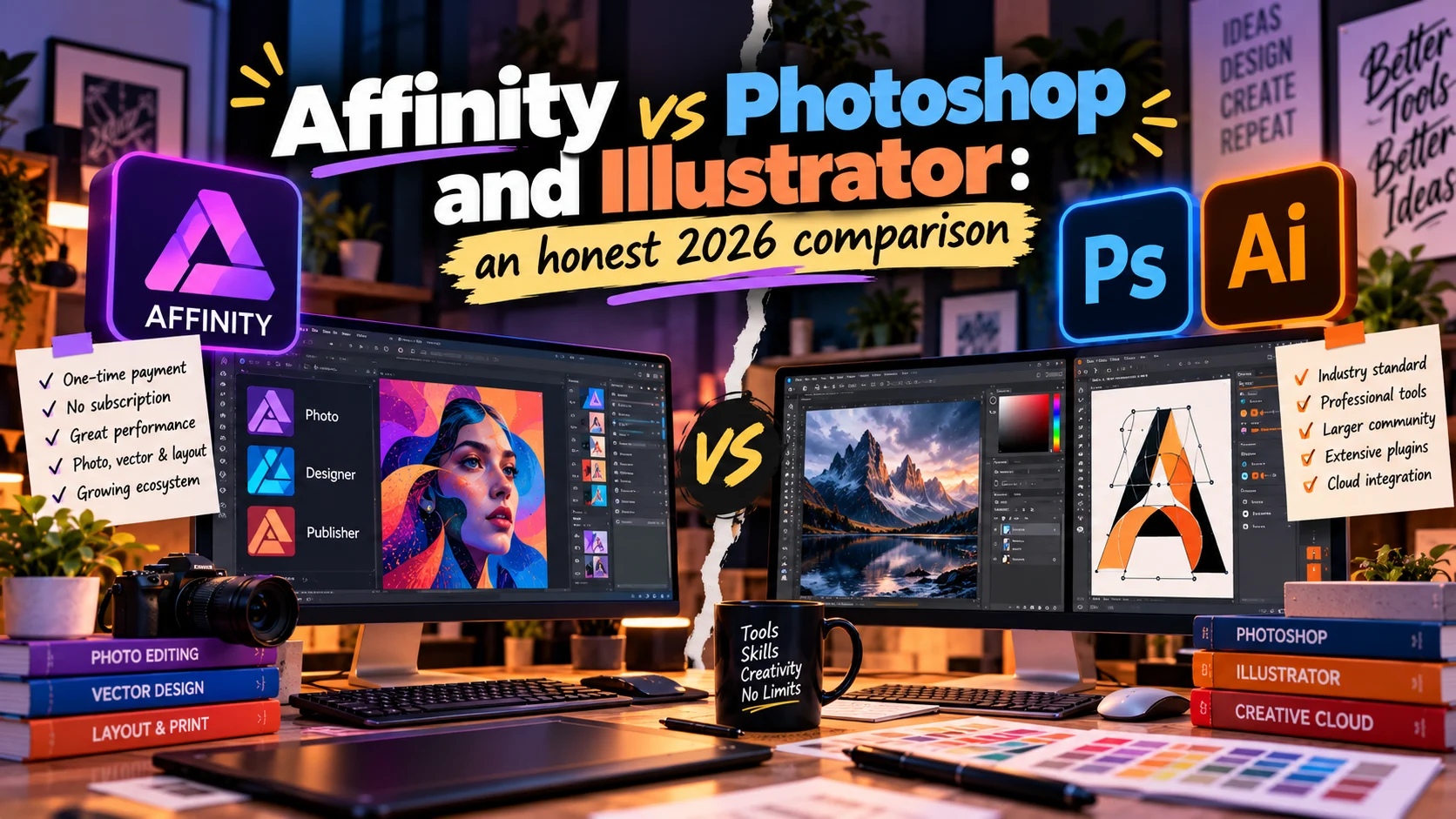
Affinity is now a single app from Canva that combines photo editing, vector design and page layout. It is free for individuals on Windows and macOS, and a free Canva account is enough to activate it. Its AI tools are the exception: they need a paid Canva plan.
So, Affinity vs Photoshop: can it replace Photoshop and Illustrator? For many students and freelancers it covers most daily work. But in October 2026 I found no official page announcing right-to-left text support, which matters if you set Arabic, as I do. And agencies and printers still work in Adobe's formats.
Below: what Affinity is now, its strengths and gaps, where Adobe still leads, who should switch, and how to move PSD and AI files, fonts and shortcuts. The facts come from Affinity's and Adobe's official sites as I checked them in October 2026, not from a scoring test. If you are weighing several free options, see my free Photoshop alternatives.
What Affinity is in 2026
Canva bought Affinity in 2024 and later relaunched it as one app instead of three, hence searches for "Affinity by Canva". Its home is affinity.studio, where you also download it. Key facts from the Get Affinity page and its FAQ in October 2026:
- Free for individuals: every tool in the three studios, with no usage limits and free updates.
- A Canva account: a free one is enough. You need to be online to download and activate it; after that it works offline, apart from help, stock libraries and the Canva features.
- Platforms: Windows and macOS, native on Apple silicon and Intel, on as many devices as you like. An iPad version is still in development.
- AI: the Canva AI tools inside Affinity, such as Generative Fill, Generative Expand, image and vector generation and background removal, need a Canva premium plan: Pro, Business, Enterprise or Education.
- Privacy: Canva's integrations page says your Affinity files stay on your device and are not used to train its AI features.
Designer, Photo and Publisher are now studios
Affinity Designer, Affinity Photo and Affinity Publisher were three separate V2 apps, and people still search for them by name. Today they are studios inside one app: Vector for Designer, Pixel for Photo and Layout for Publisher. V2 licences remain valid, but Serif's site says those apps won't receive future updates, and they cannot open files saved in the new app (the .af format), although the new app opens theirs.
The September 2026 update
On 15 September 2026 Affinity published an update with over 60 new features, among them a Blend tool, in-app scripting across the three studios, an AI connector for Claude that writes scripts from a plain description (free during its beta), direct INDD import and a live Canva Brand Kit sync.
Where Affinity is strong
One app, one file
With Adobe, Photoshop handles pixels, Illustrator vectors and InDesign pages, and files travel between them. In Affinity you stay in one document and switch studios, so a brochure with a retouched photo, vector icons and ten pages can live in one .af file, as Affinity's comparison page puts it.
No subscription for the core
The app is free, and Adobe is a subscription. In the US in October 2026, Adobe lists a single app such as Photoshop or Illustrator at about US$23 a month on an annual plan, and Creative Cloud Pro, with all the apps, at about US$70 a month at its regular price, before tax. Prices differ by country; these are examples. For a student or a freelancer starting out, that gap is large.
Affinity also says anyone with a free Canva account can open and edit .af files, so a client needs no subscription to open your source file.
Speed, editing and Adobe files
Affinity calls itself a single, high-performance app, says editing is non-destructive by default, and says it imports PSD, AI, PDF, SVG, IDML and more with high fidelity, with INDD added in September 2026. Those are the company's claims, not my benchmarks. What survives the import is in the tips below.
Where Affinity falls short
Arabic and right-to-left text
This matters most to Arab designers, so I checked it carefully. If you don't set Arabic, here is why it is hard: Arabic runs right to left, its letters join and change shape depending on their position in a word, and numbers and English words inside an Arabic line still run left to right. A design app needs a proper text engine for all of that, or the letters come out separated and in the wrong order.
What I found in October 2026:
- No official announcement. Neither Affinity's typography page, nor its help centre, nor the September 2026 update mentions right-to-left (RTL) text or Arabic shaping. The typography page covers OpenType features, ligatures and variable fonts, and nothing about direction.
- No Arabic interface. The official FAQ lists English, French, German, Italian, Spanish, Portuguese, Japanese, Chinese, Indonesian and Turkish.
- The request is still open. Users were still asking for Arabic, Persian and Hebrew support in Affinity user forums in 2026, and paid third-party tools sell themselves as a way to type Arabic in it. That such tools exist says a lot.
In practice: don't count on a justified Arabic paragraph with joined letters, correct direction and punctuation in place until you have tested it yourself. Lettering drawn as shapes is different. A logo converted to outlines is just paths, and the Vector studio edits it like any other shape. The problem is live Arabic text, not Arabic forms.
Plugins and the wider ecosystem
Adobe has a plugin marketplace inside Creative Cloud, and decades of tutorials, actions, brushes and templates. Affinity added scripting in September 2026, and its ecosystem is much smaller. If your workflow depends on one particular plugin, check that it has a replacement before you move.
Teams, agencies and industry-standard files
Affinity's own FAQ says that PDF, PNG or SVG exports open in Photoshop and Illustrator but do not keep full editability, and that it does not export INDD or IDML. Agencies, printers and brand guidelines often ask for AI, PSD or INDD source files, and Affinity cannot give them editable ones. I explain these formats in my guide to design file types.
AI goes through Canva
The app is free, but every generative tool in it sits behind a paid Canva plan. If you already pay for Canva, that is a bonus, and I go through what those tools do in Canva AI. If you don't, you get excellent tools with no generative AI.
Where Photoshop and Illustrator still lead
Generative Fill and Firefly
Photoshop has Generative Fill, Generative Expand, the Remove tool and Harmonize, with Firefly and partner models drawing on your plan's generative credits. My Photoshop Generative Fill guide covers where they help and where they fail. Illustrator adds tools such as Generative Shape Fill, Text to Vector Graphic and Text to Pattern. Adobe's list is longer, and it lives inside the apps you already work in.
Creative Cloud Libraries
Adobe says Creative Cloud Libraries hold colours, character styles, logos and images, sync automatically and can be shared with edit or read-only permissions across Photoshop, Illustrator, InDesign, Premiere Pro and Adobe Express. For a team on one brand, that prevents a lot of mistakes. Affinity's answer is the Canva Brand Kit sync.
Arabic and Middle Eastern text
Adobe's help pages document Middle Eastern features in Photoshop, Illustrator and InDesign: right-to-left paragraph direction, a composer for Middle Eastern scripts, kashida for justifying Arabic, and a choice of digit style. They are not perfect, but live Arabic paragraphs work. I walk through the settings in Arabic text in Photoshop.
The industry standard
Many printers and agencies in Egypt and the Gulf work in Adobe files, so Adobe's apps remain the shared language with whoever receives the work. If you are learning, Photoshop skills carry over to any app; my Photoshop tools guide is a good start.
Strengths and weaknesses, app by app
| App | Strongest at | Weakest at | Suits |
|---|---|---|---|
| Affinity | Free for individuals, pixels, vectors and layout in one app, opens common Adobe files | No announced right-to-left support, no editable Adobe exports, a smaller plugin ecosystem | Students, freelancers, Latin-script work |
| Photoshop | Photo editing and retouching, Generative Fill and Firefly, a large plugin market | A subscription, generative credits limited by plan | Photos, social, mockups, agency work |
| Illustrator | The standard for logos and AI files, Middle Eastern text features, Creative Cloud Libraries | A separate subscription or part of Creative Cloud, not a photo editor | Logos, identities, packaging, print |
Affinity vs Photoshop and Illustrator: the criteria
| Criterion | Affinity | Photoshop and Illustrator |
|---|---|---|
| Price | Free for individuals, AI with a paid Canva plan | Monthly or annual subscription |
| Shape | One app, three studios, one .af file | Separate apps for each kind of work |
| Platforms | Windows and macOS, iPad in development | Photoshop on desktop, web and mobile |
| Right-to-left text | Not announced in October 2026 | Middle Eastern features documented |
| AI | Canva AI tools on a paid plan | Firefly and partner models, using credits |
| Adobe files | Opens PSD, AI, IDML and INDD; no editable exports back | The standard formats themselves |
| Plugins and automation | In-app scripting since September 2026 | Creative Cloud plugin marketplace |
| Teamwork | Canva Brand Kit; .af opens with any free Canva account | Creative Cloud Libraries with permissions |
Who should switch, and who should stay
Switch to Affinity if you
- are a student or a beginner who wants a professional app without a subscription.
- freelance mostly on photos, illustration, logos delivered as outlines, or Latin-script print.
- already pay for Canva and want its generative tools in a professional app.
Stay with Photoshop and Illustrator if you
- set Arabic text every day: social posts with Arabic copy, packaging, brochures or books.
- work with agencies or printers that want editable AI, PSD or INDD files.
- rely on Generative Fill and Firefly, on particular plugins, or on libraries shared with a team.
Or use both
Trying Affinity costs nothing. Install it next to Adobe's apps, use it where it fits, and keep Arabic text and client deliverables in Adobe for now.
Migration tips: PSD, AI, fonts and shortcuts
- Work on a copy. Affinity's help says importing Adobe documents is a one-way process, so keep the original untouched.
- PSD files: Affinity says layers, masks, groups and adjustments come across in most cases, but Smart Objects and advanced filters may lose their structure. Check every Smart Object and type layer.
- AI files: Affinity reads the PDF embedded in an Illustrator file, so save with PDF compatibility on. Shapes, paths and layers import cleanly; effects and appearance stacks may be flattened.
- InDesign files: Affinity says an IDML keeps page structure, text frames and basic styles, while GREP styles, anchored objects and tables may need manual fixes.
- Fonts: list every font in a project before you move it. Adobe Fonts are activated through your Creative Cloud account, so make sure you hold a licence for each font you will use outside it, or pick a replacement from free Arabic fonts with a commercial licence.
- Shortcuts: Affinity's help says its defaults broadly follow industry standards, and you can change them in the Shortcuts tab of Settings and save them to a file. Check my Photoshop shortcuts and remap the few you use most.
- Delivery: Affinity exports print PDFs with bleed and crop marks. Ask the client first whether they expect Adobe source files.
From my work: where I draw the line
My project pages list Illustrator, Photoshop and InDesign as the tools behind most of my identity and print work. When I think about Affinity, I think of two jobs.
The first is the company profiles and brochures for clients in Saudi Arabia, including the Ministry of Justice brochure and the Unaizah Colleges graduates guide. They are long documents in Arabic first, each with a grid built on its own brand and a contents page that works as a map. Every page is live Arabic text, so I would not move work like this into the Layout studio until Affinity announces right-to-left support.
The second is the Abdeen Coffee mark, where every step was drawn by hand before it touched the computer. Once lettering becomes paths, any vector app can edit it. So my line is live Arabic text, not Arabic itself.
Conclusion
Affinity is a strong offer in 2026: one professional app for photos, vectors and pages, free for individuals, and able to open common Adobe files. But in October 2026 it does not announce right-to-left support, cannot hand back editable Adobe files, and keeps its generative tools behind a Canva subscription. If your work is Latin-script or visual, give it a serious try. If Arabic text is at the heart of it, stay with Photoshop and Illustrator for now, and test again with each update.
If you need an identity or Arabic print with the letters and direction set right and ready for the press, tell me about your project.
Questions people ask
Is Affinity really free?
Yes, for individuals. Affinity's official page says every tool in the Pixel, Vector and Layout studios is free, with no usage limits and free updates, and a free Canva account is all you need to activate it. The AI tools inside it, such as Generative Fill, need a paid Canva plan: Pro, Business, Enterprise or Education.
Can Affinity replace Photoshop?
For a lot of everyday work, yes: photo editing, retouching, social graphics and mockups, plus vectors and page layout in the same app. It falls short on Arabic and other right-to-left text, on plugins, and on teams and agencies that expect editable PSD, AI or INDD files back. Try it on your real projects before you cancel anything.
Does Affinity support Arabic and right-to-left text?
In October 2026 I found no official Affinity page or release note that announces right-to-left text or Arabic shaping, and Arabic is not among its interface languages. Lettering converted to outlines works like any vector shape, but test live Arabic paragraphs with your real copy before you rely on it for a job.
Can Affinity open PSD and AI files?
Yes. Affinity says it opens layered PSDs with masks, groups and adjustments in most cases, while Smart Objects and advanced filters may lose their structure. It opens Illustrator files saved with PDF compatibility, and effects may be simplified. What you export back to Adobe does not keep full editability.
What happened to Affinity Designer, Photo and Publisher?
They became one app with three studios: Vector replaces Designer, Pixel replaces Photo and Layout replaces Publisher. V2 licences stay valid, but those apps won't get future updates, and they cannot open files saved in the new app.

Keep reading
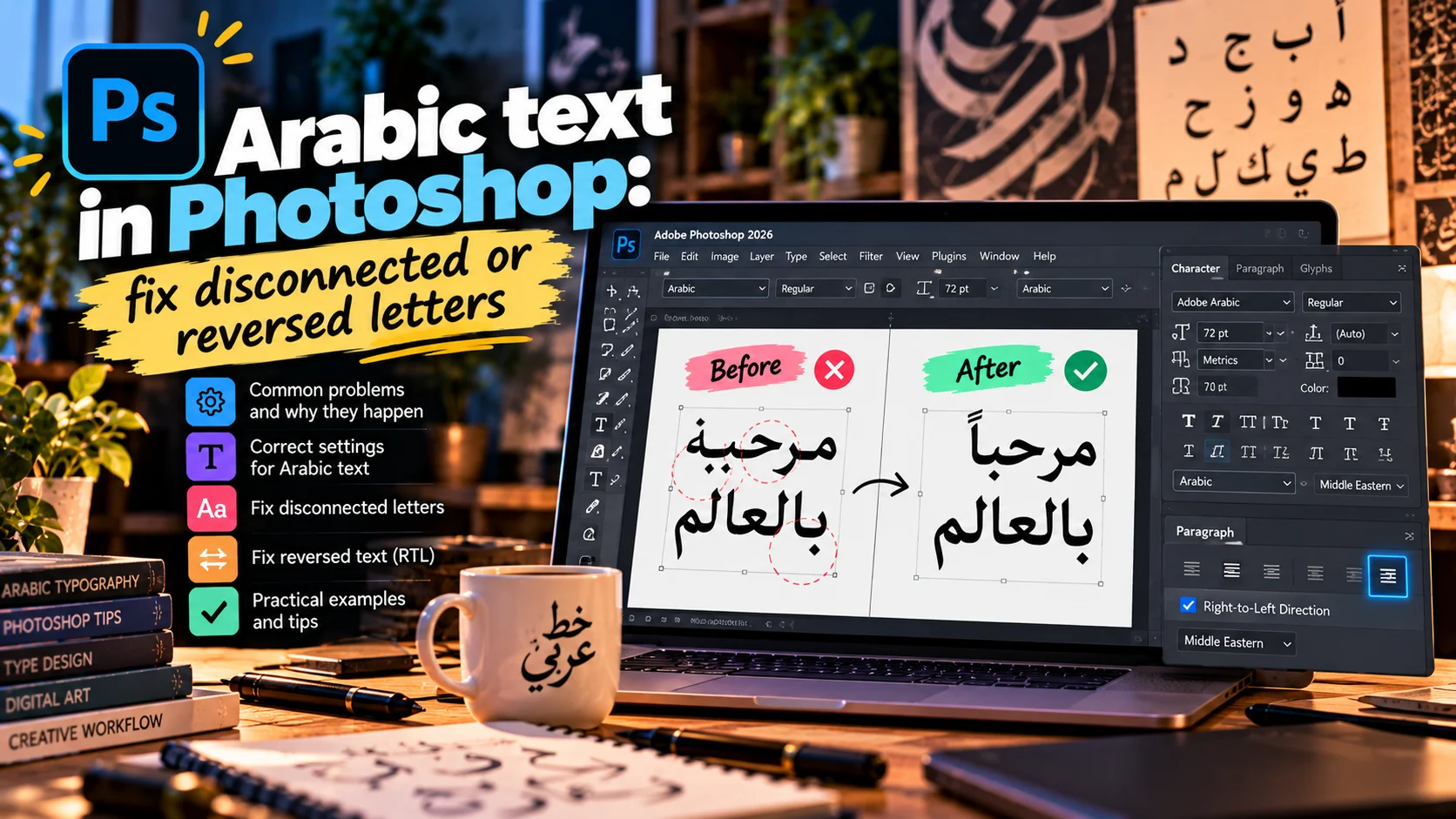
Arabic text in Photoshop: fix disconnected or reversed letters
Arabic letters disconnected or reversed in Photoshop? Why it happens, the fix in current and older versions, and the settings for direction, kashida and digits.
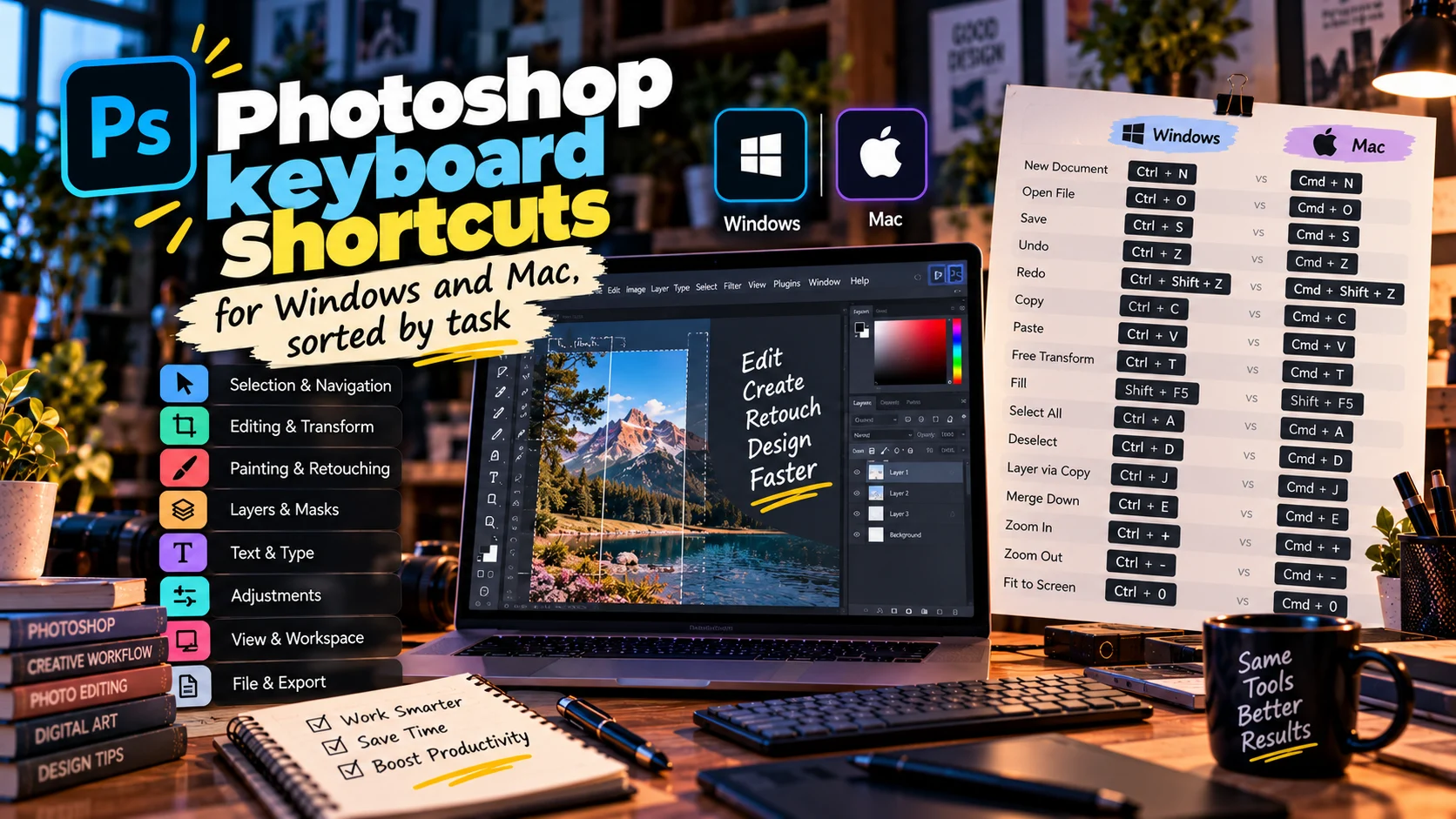
Photoshop keyboard shortcuts for Windows and Mac, sorted by task
The Photoshop keyboard shortcuts designers use every day, grouped by task in Windows and Mac tables, with fixes for shortcuts that stop working.

Photoshop tools and their uses, sorted by the job they do
Every main Photoshop tool grouped by job with its shortcut, plus the short list I use daily on brand and packaging work, and where generative tools fit.