How to save AI credits: images, video, voice and vibe coding
How to save AI credits and tokens with a method, not tricks: brief first, draft cheap, animate an approved still, edit one part, and lean Claude Code habits.
Published 11 min read

Most AI credits are not spent on the image or shot you keep. They go on the attempts you throw away. So learning how to save AI credits starts before you open the tool: know what you want, choose a reference, and plan a few cheap tries before you pay for the final. Tools count in images, seconds, characters, messages or tokens, but all of them charge for a generation whether you keep it or not.
I direct AI tools for stills, motion and voice in the video series I make at SkillUp MENA, and I build my own products with Claude Code. The lesson is the same on both sides: the tool bills every attempt, and a clear decision is what cuts the number of attempts.
Below are six habits for images, video, voice and websites, then how Claude Code spends tokens, what Lovable and Bolt say about their credits, and a table of where credits go in each field.
How to save AI credits: know what you are paying for
A credit is a unit each tool defines for itself: an image, a second of video, a character of speech, a message to an app builder. A token is a small piece of text a model reads or writes, and it is how coding tools are metered. Three facts from official pages, as of October 2026:
- You pay per generation, not per request. Google's Flow help page says its costs are "per generation, not per request", and one request may generate two videos.
- Length and model change the price. Runway charges video by the second. ElevenLabs charges speech by the character, with the exact cost depending on the model.
- In coding tools, you pay for what the model reads. Anthropic's docs say Claude Code's token costs scale with context size, and that it sends the full conversation with every request. Bolt says a smaller project uses fewer tokens, because there is less code to read.
So credits leak in three places: attempts you did not need, quality you did not need yet, and context unrelated to the task.
Habit one: decide and write the brief before you generate
The most expensive way to use any tool is to generate in order to find out what you want. Write a brief of a few lines first: what the image or shot is for, where it will run and at what aspect ratio, the subject, the light and palette, and the length for video. I break that brief down in prompt writing for designers.
Some decisions get dearer the later you make them:
- Aspect ratio. Changing it later means a new composition, so a new generation.
- The voice-over script. Speech is billed by the character, so every edit after generation is another generation. Approve the script first.
- The page content. Write the sections and copy before you open an app builder or Claude Code. Every message where you change your mind is one you pay for.
Habit two: references instead of long prompts
One image explains a style better than a long paragraph. In Midjourney, --sref takes a style reference from an image. In chat-based tools you upload an image and say what to take from it: the light from this one, the palette from that one. In video, the approved still is the reference. In voice, it is a voice you have already chosen and saved.
Coding works the same way. Claude Code's best-practices page recommends pointing to files with @, pasting a screenshot of the design, and naming an existing pattern to follow. Its cost page adds that vague requests such as "improve this codebase" trigger broad scanning. Whatever the tool, use only images you own or have the rights to use.
Habit three: draft cheap, then spend on the final
A draft is for deciding. The final is for detail. Explore at the cheapest level on offer: lower resolution, a shorter clip, a faster model, one output per request. Pay for full quality once the composition and motion are settled. From the official pages:
- Midjourney: when it launched Draft Mode with version 7, its announcement said drafts were "half the cost" and much faster, and that enhance or vary re-renders a draft you like at full quality.
- Google Flow: in October 2026 the help page lists a Veo 3.1 Fast video at 20 credits for subscribers outside the Ultra plan, and a Veo 3.1 Quality video at 100 credits.
- Runway: on the pricing page, the same monthly credits buy roughly twice as many seconds of Gen-4 Turbo as of Gen-4.5.
Judge a draft on composition, direction of movement and rhythm, not fine detail. And upscale only the image or shot you will keep.
Habit four: image first, then animate it
Rerolling text-to-video is the dearest way to find a look, because every attempt changes everything at once: product, light, framing and motion. Settle the look on a still instead, where you can see the whole frame and fix it in Photoshop, then use it as the first frame so the video model only supplies the motion. Some tools, such as Kling and Veo, also take a last frame, so you set where the shot begins and ends.
Each video attempt then tests one thing, the movement, so you need fewer. In the motion prompt, describe what happens, not what is in the picture. I cover the full process in my guide to AI image to video.
Habit five: edit one part instead of regenerating the whole
When an image is right except for one detail, regenerating it risks everything that was right and charges you for it again.
- Images: with Generative Fill in Photoshop you select an area and describe what goes there, and only that area changes, on a Generative Layer you can still edit. Most image tools have a similar inpainting tool.
- Video: extend a good clip instead of generating a longer one from scratch, and trim in the edit. Some tools, such as Runway's Aleph, edit a clip you already have.
- Voice: in ElevenLabs Studio you can regenerate one paragraph or sentence, and on export you are only charged for paragraphs not yet converted. Its pricing page also mentions a limited number of free regenerations while the text and certain settings stay the same.
- Code: in Bolt, version history restores an earlier state without using tokens, instead of prompting it to undo. In Claude Code, press
Escas soon as it heads the wrong way. The docs list early course correction among the habits that avoid wasted tokens.
Habit six: reuse what works
A good result you did not record is one you will pay for twice.
- A fixed style block and fixed references, pasted into every prompt, so only the subject changes.
- A prompt log: the prompt, the tool, the settings and why it worked.
- Seeds for controlled tests, not brand consistency. A seed does not hold a style across different prompts.
- An approved voice: save it with its settings and use it in every episode of a series.
- In Claude Code: what you repeat every session belongs in CLAUDE.md, and what you need only sometimes belongs in a skill, which loads only when needed.
How Claude Code spends tokens, and how to spend fewer
Claude Code's context window holds the whole conversation: every message, every file read, every command output. Anthropic's page on managing costs explains that the full conversation goes with every request, so a one-line question in a session open all day still draws usage for all of it, even if most is re-read at the lower cached rate. What Anthropic recommends:
- Keep CLAUDE.md short. It loads at the start of every session, so every line rides along with every request. Keep it under 200 lines and move workflow-specific instructions into skills.
- Plan big changes. Press
Shift+Tabfor plan mode, so it proposes an approach before editing, which prevents expensive rework. Planning has its own overhead, though: if you could describe the change in one sentence, skip the plan. - Small, specific tasks. Name the file and the part you mean, and test each step before the next.
/clearbetween tasks. Stale context wastes tokens on every later message. After two failed corrections on the same issue, start clean with a sharper prompt./compactkeeps a summary, but it reads the whole conversation to write it, so it is a large request itself, while/clearcosts nothing. Use/renamefirst so you can return with/resume.- Match the model to the job. The docs say Sonnet handles most coding tasks well and costs less than Opus, which they keep for complex architectural decisions. Switch with
/model, or chooseopusplan: Opus in plan mode, Sonnet for the work. Lower/efforton simple tasks, because thinking tokens are billed as output tokens. - Watch what is using it.
/usageshows your usage, with a breakdown and suggestions on paid plans./contextshows what fills the context, and/mcplets you switch off MCP servers you are not using.
New to the tool? Start with my Claude Code guide for non-programmers.
Lovable and Bolt: the same ideas in credit-based builders
In browser app builders the message is what gets counted, and the same habits apply. From their official documentation in October 2026:
- Lovable: a Build mode request costs according to its complexity and the work done, and Plan mode costs one credit per message, plus any research it runs. The docs recommend small, focused build requests, Chat mode for questions and Plan mode before building, and say a build request you stop before it changes your project is not charged. The current chat pricing applies until 31 October 2026, so check it again.
- Bolt: its page on maximising token efficiency says Plan mode uses fewer tokens because it changes nothing, version history restores without tokens, and you should avoid clicking Attempt fix over and over. Buttons such as Publish cost no tokens while prompts do, the Standard agent suits average tasks without the Max agent's extra reasoning cost, and connectors should be on only when needed.
I compare these tools on where your code lives, publishing and review in Claude Code vs Cursor vs Lovable vs Bolt vs v0.
Where credits go, and how to cut them
| Field | Where the credits go | How to cut it |
|---|---|---|
| Images | Generating to find the idea, high resolution too early, regenerating a whole image for one detail | A brief and style reference, cheap drafts, Generative Fill for the part, upscaling only the keeper |
| Video | Rerolling text-to-video, long full-quality tests, several outputs per request | An approved still as first frame, a fast model for tests, a short clip then extend, one output per request |
| Voice | Editing the script after generation, regenerating a whole file for one line | A final script first, a saved voice, regenerating one sentence |
| Claude Code | A long session resent in full, a long CLAUDE.md, vague requests, an oversized model | /clear between tasks, a short CLAUDE.md plus skills, plan mode, specific requests, /model and /effort |
| Lovable and Bolt | Large build requests, repeated automatic fixes, undoing by prompt | Plan first, small requests, version history, buttons instead of prompts |
From my work: the order is the saving
In the AI Video Studio series at SkillUp MENA, the work moves from script to stills, then motion, voice and the edit. That order is itself a saving: each stage is locked before the more expensive one begins. The script decides what gets generated, the approved still fixes a shot's look before it moves, and the approved text comes before the voice. Every brief traces back to a line in the script, so nothing is generated without a reason.
The same logic holds in the products I build with Claude Code as a tool in my hand: a plan before the edit, one task at a time, a fresh session for each separate job.
When saving costs you more
- A model too small for the job. A cheaper model that fails at a complex task costs you the rework.
- Final judgements on drafts. A draft hides fine detail, so never send a client anything from it.
- Free plans for client work. Fine for learning, but usually limited, and some add a watermark. Read the terms first. I list free options worth trying in free AI alternatives.
Conclusion
The real saving happens before you generate: a clear brief, a reference instead of a long explanation, a cheap draft before the final, an approved still before the motion, editing the part instead of the whole, and keeping what works. In Claude Code and app builders, it is small context, specific tasks and a model sized to the job. The tool bills every attempt. Your decisions reduce the attempts.
If you need an AI video series or a digital product built with this kind of care for time and budget, tell me about your project.
Questions people ask
How do I save AI credits?
Decide before you generate. Write a short brief, choose a reference and the aspect ratio, then explore at the cheapest level the tool offers (lower resolution, shorter clips, a faster model) and pay for full quality only on the version you keep. Fix the wrong part instead of regenerating everything, and save what works so you can reuse it.
Why does Claude Code use so many tokens?
Because it sends the whole conversation with every request, along with the files it has read and the output of the commands it ran. A long session costs more even when your question is short. Use /clear between unrelated tasks, keep CLAUDE.md short, ask for specific changes, and check /usage and /context to see where the usage goes.
How can I make AI video with fewer credits?
Start from a still image you have approved and animate it as the first frame, instead of rerolling text-to-video. Test the motion with a fast model, a short clip and one output per request, then use full quality or an extend option on the shot you keep.
Does /compact save as many tokens as /clear?
Not quite. Anthropic's docs say /compact reads the conversation it summarises, so compacting a large session is itself a large request, while /clear costs nothing. Use /compact to carry on with the same task, and /clear when you start something new.
How do I use fewer credits in Lovable or Bolt?
Plan before you build and keep each request small and specific. In October 2026, Lovable's docs say the cost of a build request depends on its complexity, and Bolt's say restoring an earlier version from version history uses no tokens, and advise against clicking the automatic fix button over and over.

Keep reading
Prompt writing for designers: a method, not a list of prompts
A designer's method for AI prompts, from subject, composition, lens, light, material and colour to references and brand consistency, with examples to adapt.
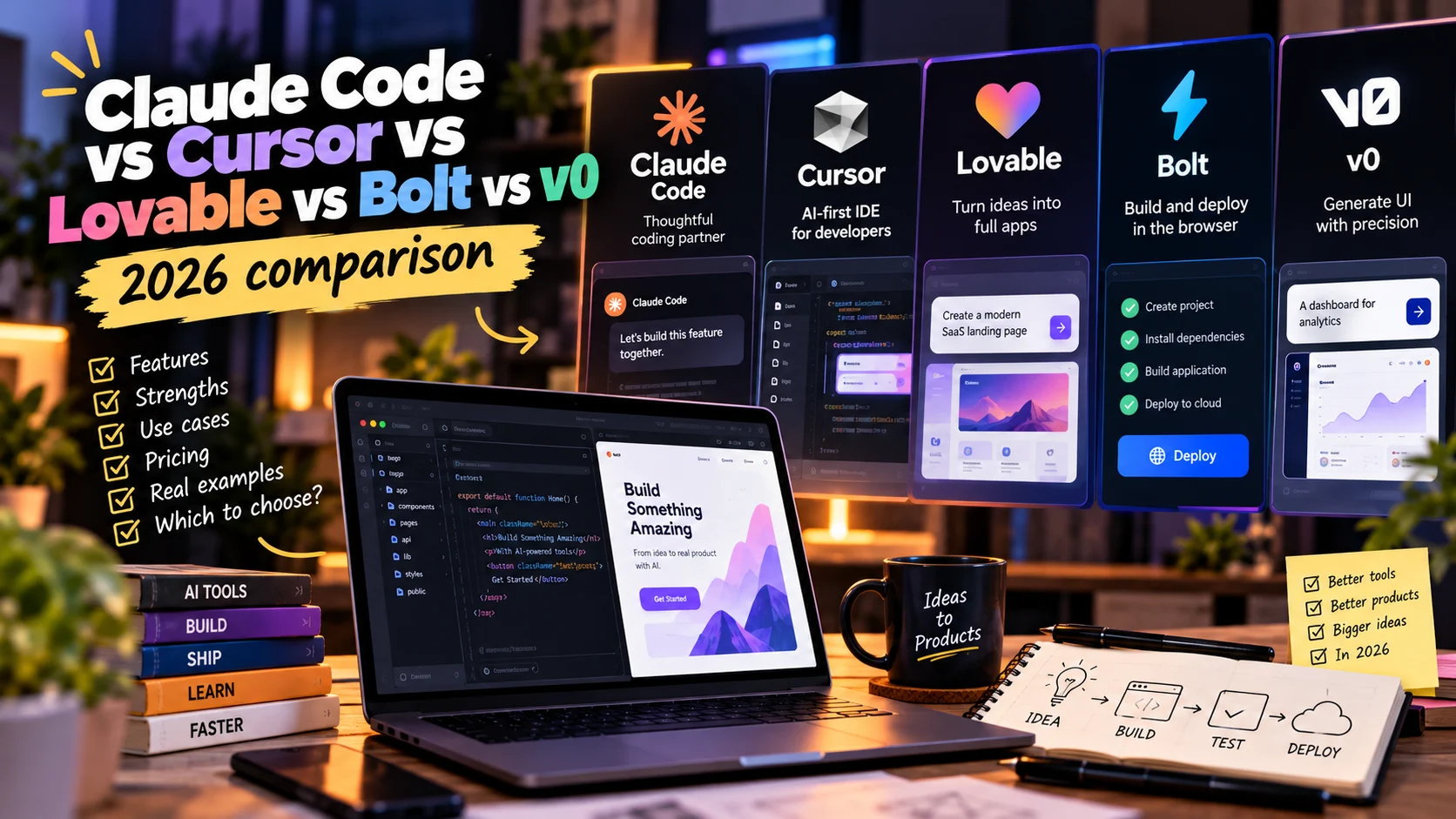
Claude Code vs Cursor vs Lovable vs Bolt vs v0 (2026 comparison)
Claude Code, Cursor, Lovable, Bolt and v0 compared by what matters: where your code lives, Git, hosting, backend, review, privacy and learning curve.
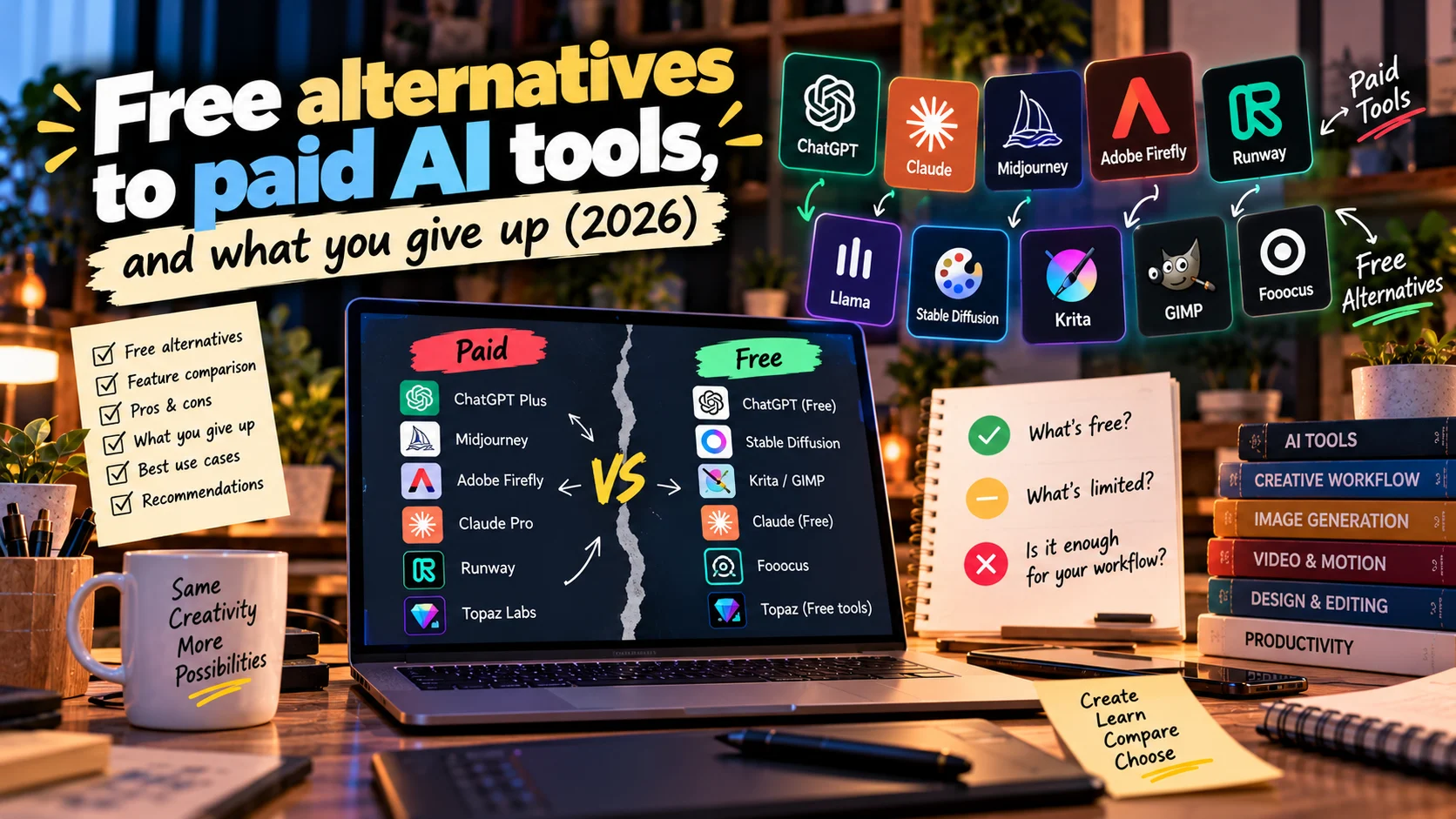
Free alternatives to paid AI tools, and what you give up (2026)
Free alternatives to paid AI tools for chat, images, video, voice, layouts and code in 2026: where each free tier bites, and when paying is worth it.